Simple Comparison: What Makes PCDeck Better?
Why everyday users choose PCDeck over Monect for clean Windows remote control:
| What You Care About | PCDeck | Monect PC Remote |
|---|---|---|
| Driver Installations & Reboots | Zero drivers, zero reboots. Runs instantly. | Requires installing joystick drivers (ViGEmBus) and restarting PC. |
| Download App on Phone? | No app needed. Runs directly in mobile Safari or Chrome. | Requires 90MB+ native app download from app store. |
| Listen to PC Sound on Phone? | Yes, included free. Stream PC audio to phone earbuds. | Limited to gaming mode. |
| See PC Screen on Phone? | Yes, included free. Live screen view in mobile browser. | Available in gaming streaming mode. |
| System Impact | Zero background services. Closes completely. | Installs kernel-level drivers and startup services. |
| Emergency Readiness | Instant (15s). Works if physical mouse is broken. | Slow: requires driver installer wizard and app setup. |
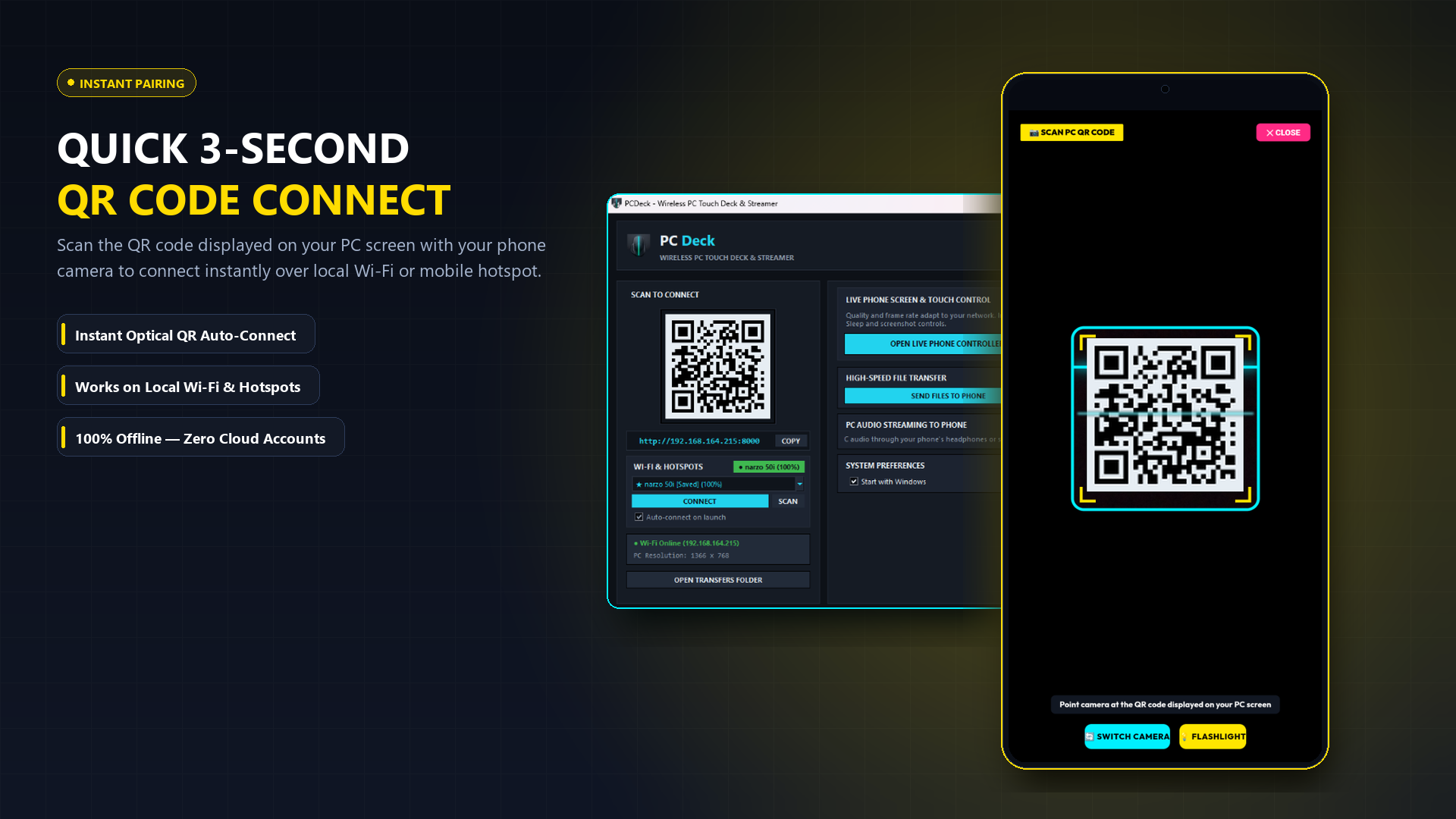
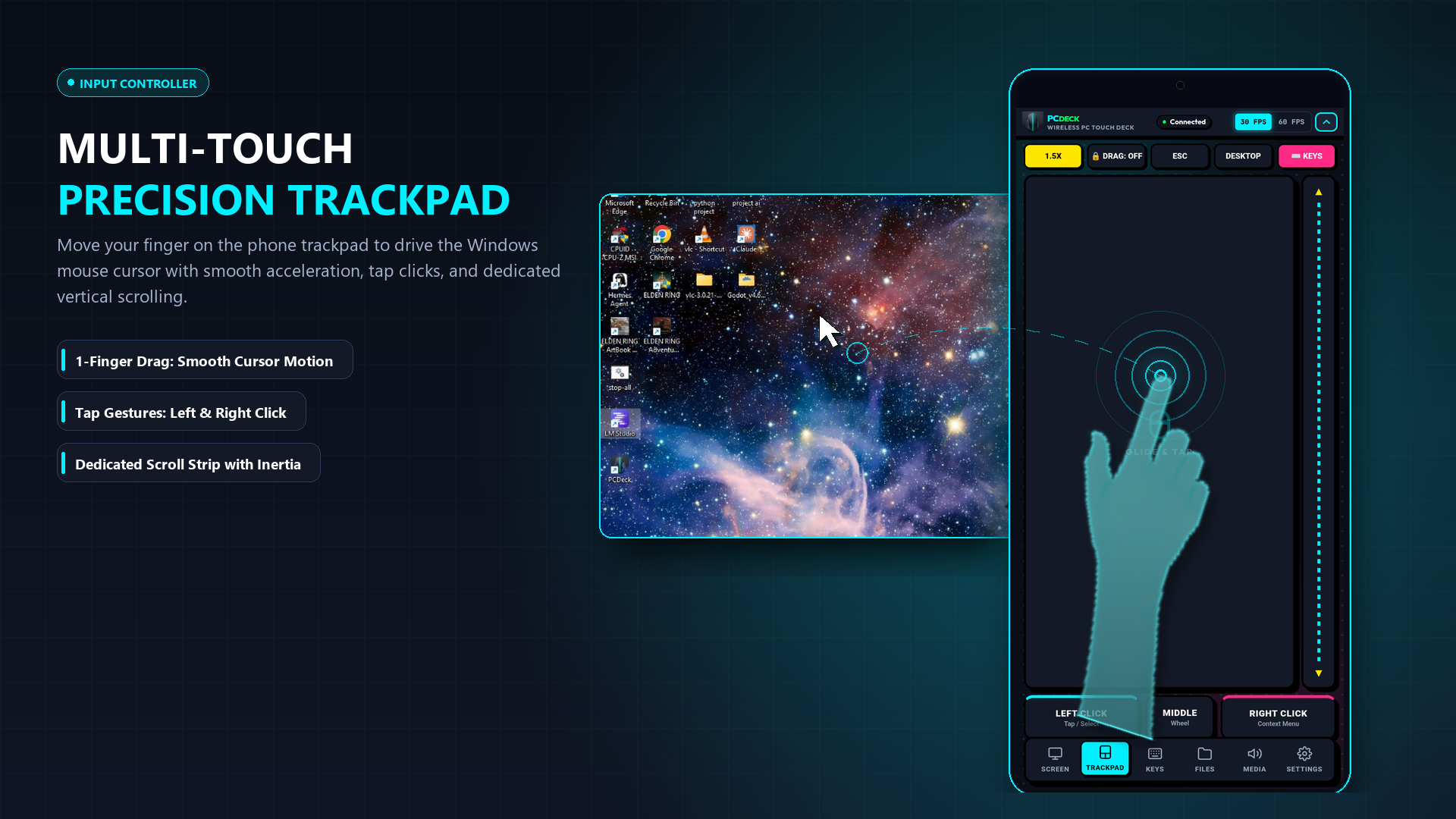
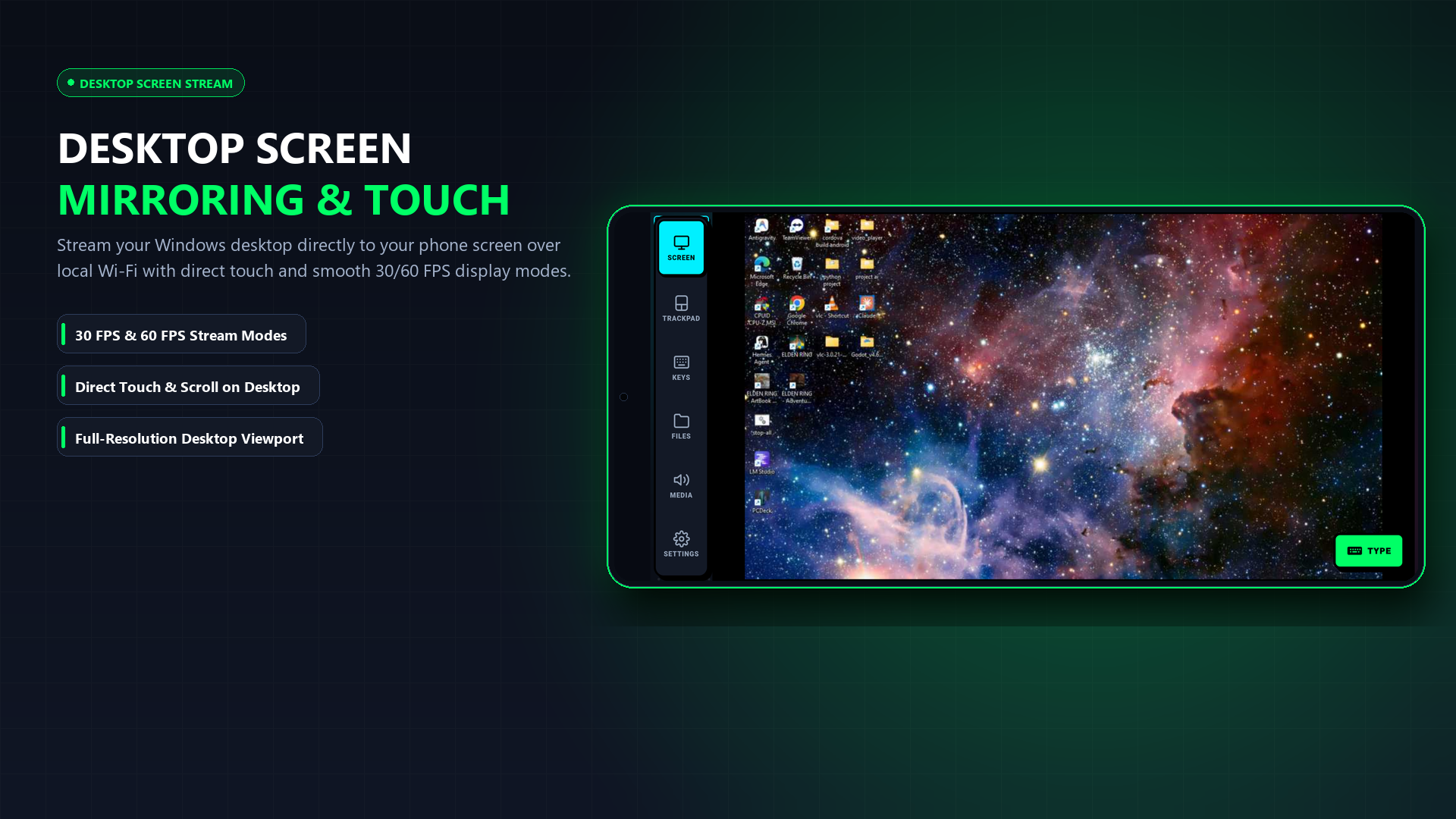
See How Simple It Looks in Real Life
No complicated settings or confusing technical menus. Here is exactly what you see:
Real Scenarios: When PCDeck Saves Your Day
You do not need to be a computer expert to use PCDeck. Here is how real people use it every day:
Your mouse stops clicking or your laptop trackpad breaks right before a deadline. You cannot easily install complex apps without a working mouse. Just run PCDeck, scan the code with your phone, and you have a working wireless mouse in 15 seconds.
Your PC is connected to a TV or desk. Instead of getting out of bed to pause, skip, or change the volume, control everything from your phone. You can even plug headphones into your phone to listen to your PC privately late at night.
Walk around the meeting room freely while giving a PowerPoint presentation. Tap next slide, navigate websites, and control the mouse directly from your phone in your pocket—no expensive presenter remotes needed.
If your laptop screen cracks, goes black, or the external monitor disconnects, stream the desktop live to your phone screen so you can save your open files and shut down safely.
The 3 Reasons Users Prefer PCDeck
1. Zero Driver Installations & No Reboots
Monect installs kernel-level virtual input drivers that can conflict with other USB peripherals and require a full computer restart. PCDeck runs entirely in user space with zero third-party drivers.
2. No Mobile App Download
Monect requires downloading a massive app on your phone. With PCDeck, point your camera at the on-screen QR code and control your PC immediately in your browser.
3. Emergency Recovery Viability
When your physical mouse breaks or runs out of battery, you cannot navigate complicated driver installation wizards. PCDeck is a single portable `.exe` that works immediately.
Download PCDeck Today
Experience clean, driver-free wireless control for Windows 10 and 11.
Windows 10/11 (64-bit) · Portable Single Binary (~24MB) · Ad-Free
How to Switch to PCDeck in 3 Steps
-
Download PCDeck.exe
Get the standalone executable. No installation wizard or driver setup.
-
Launch the Application
PCDeck opens with your pairing QR code right on your screen.
-
Scan with Any Smartphone Camera
Scan with iPhone or Android to immediately start controlling your PC.